

To make sure you can get started working right away, Easynote comes with over 50 predefined templates perfectly adjusted for different industries and purposes.

When you click on Create a New Project you can either select to create an empty project — meaning you create a project from scratch — or to use one of our templates.
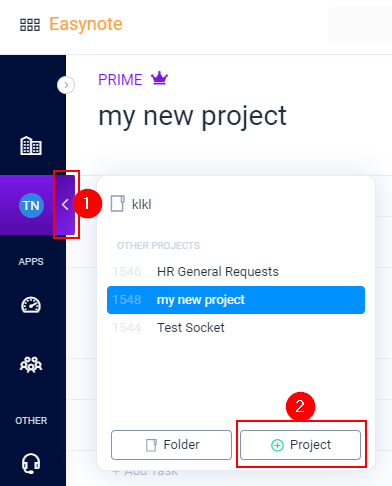
Click on the arrow to expand the menu
Click on the Project button
When the template pop-up opens, simply hover over the template you want to select and click Create
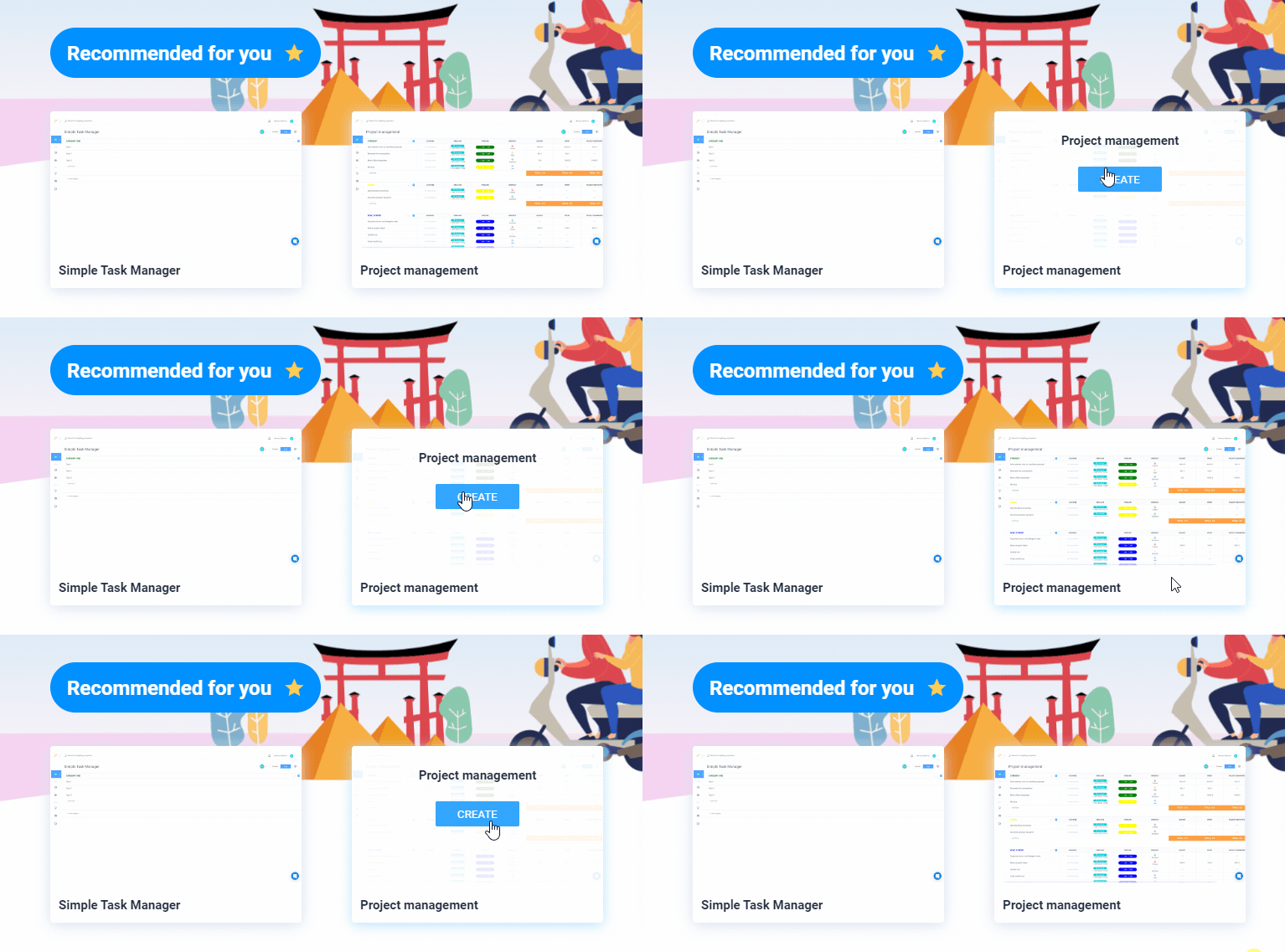
Once you have created a project from our template, you can edit and customize the project so it fits your needs.